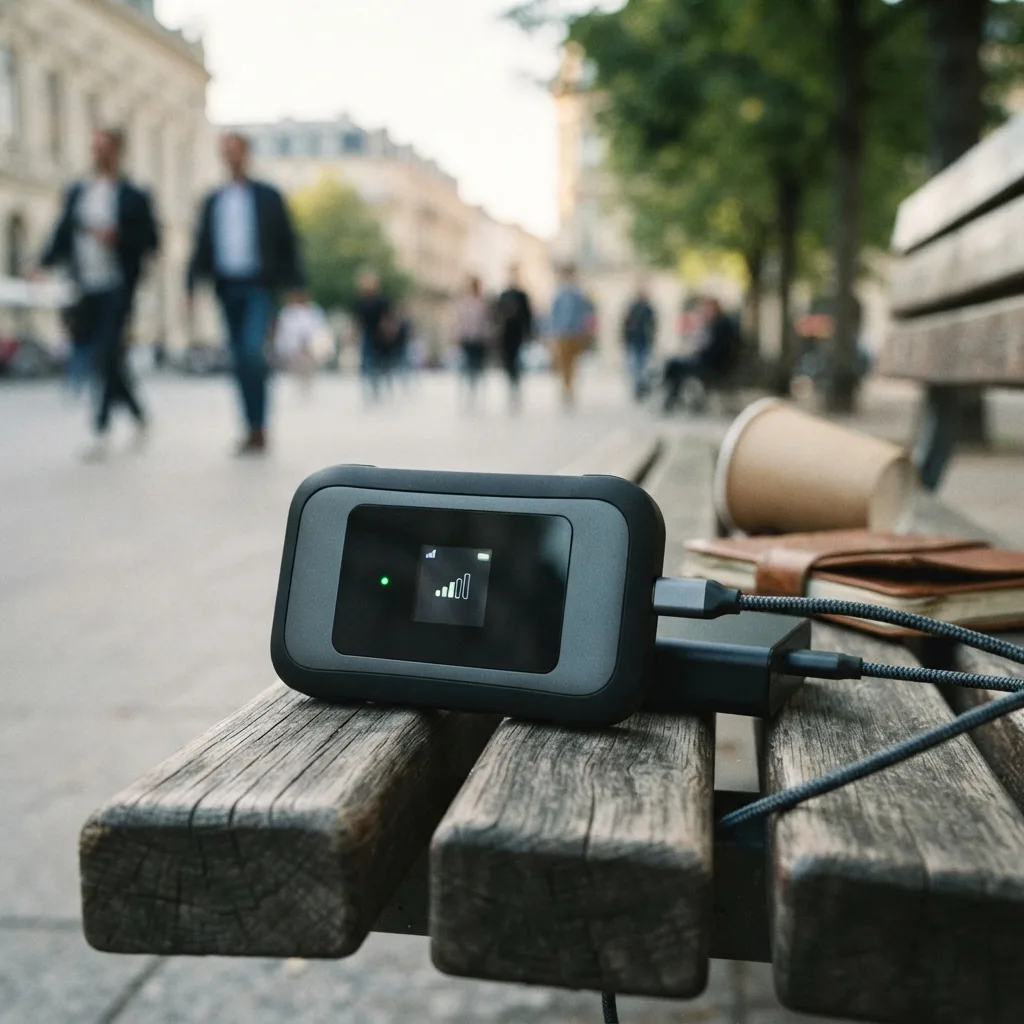
Yes, Public Mobile hotspot and tethering work with compatible phones. You can share your phone’s mobile data with a laptop, tablet or another device over Wi-Fi, and many phones also support USB or Bluetooth tethering. The important part is that hotspot usage is still mobile data usage. A laptop can chew through a data bucket much faster than casual phone browsing, especially once cloud sync, software updates and video enter the room.
Public Mobile’s current plan page does not advertise a separate hotspot data bucket or a special hotspot add-on. Current Public Mobile Community guidance also treats hotspot as supported rather than blocked. If hotspot is missing or says to contact the carrier, the problem is often device configuration, carrier settings or APN settings rather than a feature you need to buy separately.
How Public Mobile hotspot data works
A mobile hotspot turns your phone into a small Wi-Fi access point. The phone stays connected to Public Mobile’s cellular network, and the laptop or tablet connects to the phone.
WhistleOut’s current Canadian hotspot guide lists Public Mobile among carriers that support hotspot access and explains that tethered devices use the mobile data available through the phone plan. Public Mobile’s own current plans page shows the data included with each subscription, but it does not list a separate tethering allowance.
That means the safest way to think about it is simple: watch your regular data usage while tethering. Do not assume a separate unlimited hotspot allowance exists unless Public Mobile explicitly adds one to your plan terms.
Turn on Personal Hotspot on an iPhone
Apple’s current Personal Hotspot support says the exact menu can vary, but the normal path is through Settings > Personal Hotspot or the Cellular section.
- Make sure cellular data works on the iPhone itself.
- Open Settings and tap Personal Hotspot.
- Turn on Allow Others to Join.
- Check the Wi-Fi password shown on the phone.
- On the laptop or tablet, open Wi-Fi settings, choose the iPhone and enter that password.
Apple also supports USB and Bluetooth tethering. Wi-Fi is usually the simplest choice unless you specifically want a wired connection.
For current iPhone instructions, see Apple’s Personal Hotspot guidance.
Turn on hotspot on Android
Android menu names vary by manufacturer. Google’s Android instructions use the Hotspot controls in Quick Settings, while Samsung Galaxy phones normally place the feature under Settings > Connections > Mobile Hotspot and Tethering.
Google Pixel and many Android phones
- Open Settings.
- Go to Network & internet.
- Tap Hotspot & tethering.
- Choose Wi-Fi hotspot and turn it on.
- Check the hotspot name and password, then connect the second device through Wi-Fi.
Samsung Galaxy
- Open Settings.
- Tap Connections.
- Tap Mobile Hotspot and Tethering.
- Turn on Mobile Hotspot.
- Use the displayed network name and password on the device you want to connect.
Samsung Canada notes that menu availability can vary by carrier, software version and model. That is why a guide that insists every Android phone has the same buttons is usually lying to somebody.
Does tethering use the same Public Mobile data?
Current evidence supports treating tethering as use of your mobile data rather than a separate included bucket. Public Mobile’s current plan cards list the data attached to the subscription, while third-party Canadian carrier listings describe Public Mobile tethering as using the customer’s monthly data amount.
If you have 35GB of monthly data and spend several gigabytes hotspotting a laptop, that activity contributes to your overall cellular data use. The phone and the tethered device are not living separate data lives.
This matters because desktop operating systems are less shy about bandwidth. Windows Update, macOS updates, OneDrive, iCloud, Dropbox, game launchers and browser video can all run in the background.
Does Public Mobile throttle hotspot speed separately?
Public Mobile’s current plan materials do not publish a separate hotspot-only speed tier. The plan cards describe plan speed and data, so there is no solid basis for claiming that tethering has its own universal cap.
That does not mean hotspot performance will always match a speed test on the phone. Real tethering speed can change because of:
- your plan’s advertised speed tier
- local network conditions and congestion
- signal strength
- the Wi-Fi band between your phone and laptop
- the phone’s modem and thermal limits
- VPN use
- how many devices are connected
So if someone tells you every Public Mobile hotspot is capped at one exact speed, ask for the current official rule before building your workday around it.
If Public Mobile hotspot is not working
Start with the easy checks before editing advanced settings.
- Test mobile data on the phone. If the phone itself cannot load a webpage on cellular data, hotspot is not the first problem to fix.
- Restart both devices. It sounds painfully basic because it is painfully effective.
- Turn hotspot off and back on.
- Forget the hotspot network on the laptop or tablet, then reconnect.
- Install current phone software and carrier settings.
- Try another tethering method. If Wi-Fi hotspot fails, USB tethering can help identify whether the problem is the cellular connection or only the Wi-Fi link.
When the iPhone says “contact Public Mobile”
Public Mobile Community threads have repeatedly documented iPhones where Personal Hotspot suddenly shows a carrier-contact message even though hotspot service itself is not intentionally blocked.
Community troubleshooting commonly starts with a network settings reset. Some users also need the Personal Hotspot APN checked. Recent Public Mobile Community guidance points to sp.mb.com for the Personal Hotspot APN, with username and password left blank.
Because APN menus and carrier profiles can change, do not start rewriting fields at random. Check Public Mobile’s current help centre and your phone’s current carrier settings first. A network settings reset also removes saved Wi-Fi networks and passwords, so know what it will erase before tapping it.
Android hotspot connects but there is no internet
If another device can see and join the hotspot but webpages still do not load, check whether mobile data works normally on the phone. Then try:
- turning Data Saver off temporarily
- switching between 2.4 GHz and 5 GHz hotspot bands if your phone offers the choice
- disconnecting VPN software temporarily to test whether it is interfering
- resetting network settings if normal mobile data works but tethering remains broken
- checking the current Public Mobile APN information instead of copying years-old forum settings blindly
Google’s current Android help confirms that Android can tether over Wi-Fi, Bluetooth and USB, although available options vary by phone. Samsung also recommends verifying the carrier plan and remaining data when hotspot connects but cannot reach the internet.
Hotspot can burn through data faster than you think
The dangerous part is not usually turning hotspot on. It is forgetting that a laptop behaves like a laptop.
Before a long session, consider pausing:
- cloud photo and file backups
- automatic operating-system updates
- game downloads
- high-resolution video streaming
- large email attachments syncing in the background
If you need hotspot mainly for emergency work, email, maps and light browsing, it can be extremely useful. If you plan to replace home internet with it, compare your monthly usage carefully against current Public Mobile plans. A phone plan with a generous data bucket can still disappear quickly once a television decides it deserves 4K video.
For a related next step, read Public Mobile review.
Public Mobile hotspot FAQ
Does Public Mobile allow hotspot?
Yes. Current carrier guides and Public Mobile Community support information treat mobile hotspot and tethering as supported on compatible devices. If the option is missing, check the phone configuration and carrier settings before assuming your account is blocked.
Does hotspot use my regular Public Mobile data?
Yes, you should treat hotspot activity as use of the mobile data available to your service. Public Mobile’s current plans do not advertise a separate hotspot bucket.
Does Public Mobile charge extra for hotspot?
Public Mobile’s current plan page does not list a separate hotspot fee. Your actual data usage still counts, so the cost concern is usually how much data you consume, not a separate tethering charge.
Why does my iPhone say to contact Public Mobile for Personal Hotspot?
That message can appear because of carrier-profile or APN configuration issues. Restart the phone, confirm cellular data works, check for carrier or iOS updates, and use Public Mobile’s current support resources before changing advanced APN settings.
Can I hotspot a laptop with Public Mobile?
Yes, if your phone supports tethering and has working Public Mobile data. Connect the laptop to the phone’s Wi-Fi hotspot just as you would connect to a normal Wi-Fi network.
Is Public Mobile hotspot good enough to replace home internet?
It can work temporarily, but whether it is practical depends on your plan’s data amount, local cellular performance and how much data your household uses. Laptops, streaming devices and cloud backups can consume far more data than normal phone use.