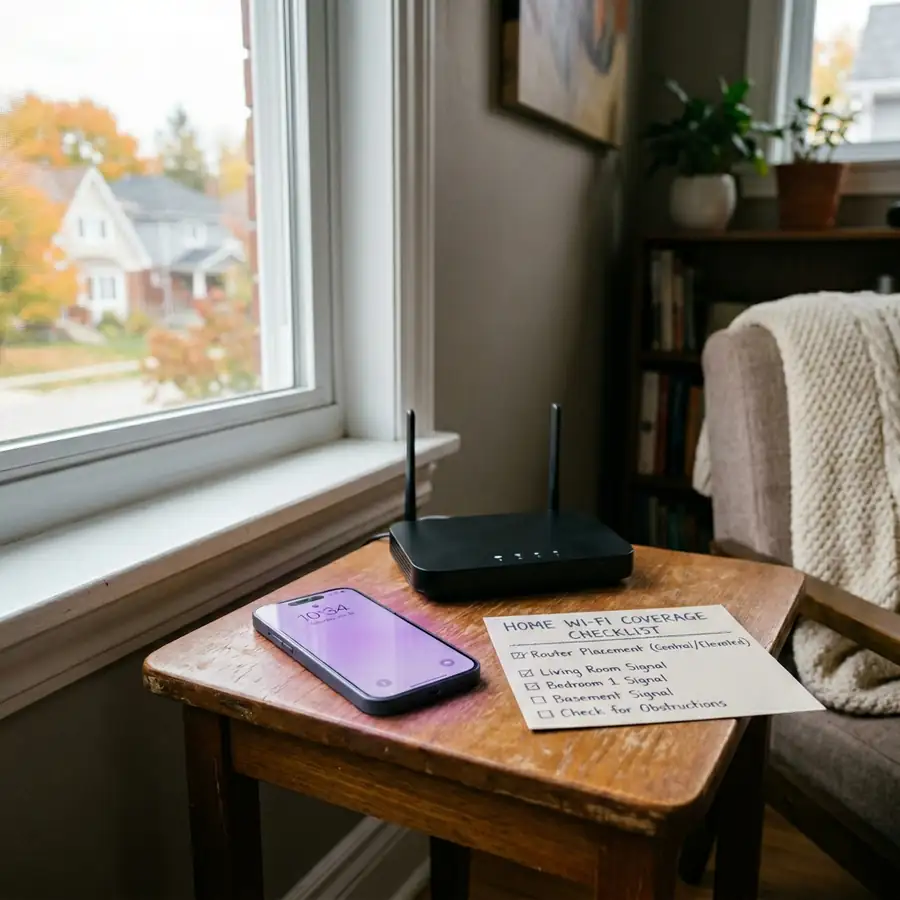
does public mobile have wifi calling is the main thing to check before switching to Public Mobile. This guide explains how to use the coverage map, what the results mean, and what to verify before activating.
does public mobile have wifi calling quick answer
Does Public Mobile Have Wi-Fi Calling in 2026? is updated for 2026 and explains the important Public Mobile details in plain English. Use referral code 5ESROG during activation, then confirm the final offer on the official checkout screen.

If Wi-Fi Calling is a must-have feature for your home, condo, basement apartment, cottage, or workplace, do not assume Public Mobile includes it just because Public Mobile runs on TELUS-powered coverage. As of this check, Public Mobile does not clearly list Wi-Fi Calling as a supported feature on the official Public Mobile pages reviewed, and Public Mobile Community support discussions still point users to the answer that Wi-Fi Calling is not currently offered.
That does not automatically make Public Mobile a bad choice. It means this one feature needs to be treated as a real deciding factor before you switch. Public Mobile can still make sense if your normal cellular signal is strong enough where you live, work, and travel. If you depend on Wi-Fi to make regular phone calls from your mobile number, you should verify directly with Public Mobile support before activating.
For the live network source, check the TELUS coverage map before making a final switching decision.
Does Public Mobile have Wi-Fi Calling in 2026?
The safest answer is no, not as a confirmed feature based on the official Public Mobile pages checked for this draft. Public Mobile has plan, coverage, activation, app, and support resources, but Wi-Fi Calling was not found as a listed Public Mobile feature in those checked pages.
This matters because Wi-Fi Calling is not the same as regular mobile coverage. It is a carrier feature that lets compatible phones make and receive normal calls and texts over a Wi-Fi connection when cellular reception is weak or unavailable. If your carrier does not support it on your line, turning on a phone setting alone will not make it work for your regular mobile number.
So the practical rule is simple. If you only want Public Mobile for lower monthly cost and you usually have good cell signal, Wi-Fi Calling may not matter much. If you need your regular phone number to work inside a weak-signal home or remote Wi-Fi location, treat this as a serious reason to pause and verify.
What Wi-Fi Calling actually does
Wi-Fi Calling lets your phone route regular calls and some messages through Wi-Fi instead of relying only on nearby cellular towers. The exact rules depend on the carrier, plan, device, and country. On carriers that support it, Wi-Fi Calling can help in places where your phone shows one bar, drops calls, or struggles to connect indoors.
For many users, this is most useful in places like:
- Basement apartments with weak cellular reception.
- High-rise condos with thick concrete walls.
- Rural houses where Wi-Fi is more reliable than mobile signal.
- Cottages or work sites with limited tower coverage.
- Interior rooms, offices, shops, or warehouses where signal fades.
The key point is that Wi-Fi Calling works through your regular mobile number when the carrier supports it. That is different from opening a separate app to call someone over the internet.
Wi-Fi Calling is not the same as WhatsApp, FaceTime, Fongo, or TextNow
Some readers confuse Wi-Fi Calling with app-based calling. They are related in the sense that both can use Wi-Fi, but they are not the same thing.
With apps such as WhatsApp, FaceTime Audio, Messenger, Fongo, TextNow, or similar services, the call goes through that app or service. That can be useful, but it may not behave like your regular mobile number in every situation. The person you call may need the same app, your caller ID may not match your mobile line, SMS may work differently, and some services may not replace normal calling for banking, work, school, or emergency contact needs.
Carrier Wi-Fi Calling is different because it is built into the mobile line itself. If supported, it can let your regular phone number work over Wi-Fi more like a normal cellular call. That is why the feature matters to people who rely on their phone number for work calls, family calls, verification texts, building entry systems, schools, doctors, or other everyday contacts.
Why this matters before switching to Public Mobile
Public Mobile is often attractive because it is self-serve, budget-focused, and tied to strong Canadian network coverage. But feature support is not always identical across every brand connected to a larger network group. A lower-cost carrier can have different support options, plan features, device purchase options, roaming rules, or calling features than a premium carrier.
That is why the question is not only, does Public Mobile use good coverage? The better question is, does Public Mobile have the specific feature you personally need?
If your phone already works well on cellular where you spend most of your time, the missing or unconfirmed Wi-Fi Calling feature may not affect you much. If your current carrier only works reliably indoors because Wi-Fi Calling is active, switching without checking could create a real problem.
| Reader situation | How much Wi-Fi Calling matters | What to do before switching |
|---|---|---|
| Strong cell signal at home and work | Lower priority | Check Public Mobile coverage and compare plan value. |
| Basement, condo, or thick walls | High priority | Test cellular signal and verify feature support before activating. |
| Rural home or cottage with reliable Wi-Fi | High priority | Check exact coverage, not just the general map. |
| Work phone or business-critical calls | Very high priority | Do not switch until your required calling features are confirmed. |
| Mostly app-based communication | Depends on usage | Confirm whether app calls are enough for your real needs. |
How to check if you personally need Wi-Fi Calling
Before you decide, think about where your phone actually fails. Many people do not need Wi-Fi Calling everywhere. They need it in one or two important places, such as a basement bedroom, a home office, a warehouse, a rural property, or an elevator-heavy condo.
Use this simple checklist:
- Do regular calls fail or sound choppy inside your home?
- Do you often see one bar or no service, even with good Wi-Fi?
- Do you need normal calls for work, school, healthcare, or family emergencies?
- Do you rely on SMS verification codes from banks or government services?
- Are you switching from a carrier where Wi-Fi Calling is already turned on?
- Would app-based calling be enough, or do people need to reach your regular phone number?
If you answered yes to several of these, Wi-Fi Calling is not a small feature. It may be the feature that keeps your phone usable indoors.
Coverage still matters, but it does not replace Wi-Fi Calling
Public Mobile coverage is still worth checking. A strong cellular signal can make Wi-Fi Calling less important because your phone may not need it in the first place. That is why the Public Mobile coverage guide should be one of your first stops before switching.
However, coverage maps are not a perfect indoor guarantee. A map can show general outdoor or area coverage while your specific basement, condo unit, rural road, or cottage lot still performs differently. Building materials, distance from towers, terrain, trees, and local congestion can all affect real-world service.
That is why the best test is not only checking a map. It is checking your exact address, asking people nearby what they experience, and being honest about the places where your phone must work.
Should you compare Koodo, TELUS, Rogers, or Bell instead?
If Wi-Fi Calling is required, compare carriers that clearly publish Wi-Fi Calling support pages and rules. TELUS, Koodo, Rogers, and Bell all have official Wi-Fi Calling resources, although each carrier may have its own eligibility, device, plan, location, and emergency-address rules.
For readers already looking at the TELUS family of brands, the Public Mobile vs Koodo comparison is especially useful. Koodo may cost more than Public Mobile depending on the plan and promotion, but the feature and support differences may matter more than the lowest monthly price for some users.
Do not make the choice based only on brand ownership or network assumptions. Public Mobile, Koodo, and TELUS can be related in network context while still having different customer support models and feature sets.
When Public Mobile can still make sense
Public Mobile can still be a good fit if you want a lower-cost, online-first mobile plan and you do not rely on Wi-Fi Calling. It may be especially reasonable if your phone gets strong cellular signal in your normal locations and you are comfortable managing service through online support.
Public Mobile may fit users who:
- Have reliable cellular signal at home, work, school, and regular travel spots.
- Want a self-serve carrier instead of store-based support.
- Care more about monthly value than premium carrier extras.
- Use app-based calling enough that Wi-Fi Calling is not essential.
- Are willing to verify feature support before activating.
If you do switch and the feature is not important to you, the referral code 5ESROG may be relevant during activation. Do not let the referral code drive the decision if Wi-Fi Calling is a must-have feature. Feature fit comes first.
Mistakes to avoid
The biggest mistake is assuming that every carrier on a strong network has the same feature list. Public Mobile can have good coverage for many users while still not being the right fit for someone who needs Wi-Fi Calling at home.
Another mistake is assuming app calls fully replace carrier Wi-Fi Calling. They may be enough for casual calls, but they may not replace your regular mobile number for every contact, verification text, work call, or family need.
Also avoid relying on old forum comments alone. Community discussions are useful signals, but features can change. If Wi-Fi Calling matters to you, check the current Public Mobile support information, ask support directly, and save the answer before switching.
Before you switch, do this
If you are considering Public Mobile and Wi-Fi Calling is part of your decision, take a few minutes before activation:
- Check your exact address on the Public Mobile coverage map.
- Think about indoor signal, not only outdoor coverage.
- Confirm whether your current phone uses Wi-Fi Calling today.
- Ask Public Mobile support whether Wi-Fi Calling is supported on your plan and device.
- Compare Koodo, TELUS, Rogers, or Bell if Wi-Fi Calling is required.
- Only switch if you are comfortable with the answer.
You can also use the Public Mobile customer service guide if you need help checking current support options before activating.
Bottom line
Does Public Mobile have Wi-Fi Calling in 2026? Based on the current checks used for this draft, you should not treat Wi-Fi Calling as a confirmed Public Mobile feature. If you need regular calls and texts to work over Wi-Fi, verify directly before switching or compare a carrier that clearly publishes Wi-Fi Calling support.
If you do not need Wi-Fi Calling and your cellular coverage is strong where you live and work, Public Mobile may still be worth comparing. Just make the decision based on your real signal needs, not on the assumption that every carrier connected to a larger network has the same features.
FAQ
Does Public Mobile support Wi-Fi Calling?
Based on the current sources checked for this draft, Public Mobile should not be treated as having confirmed Wi-Fi Calling support. If this feature matters to you, verify with Public Mobile support before switching.
Is Wi-Fi Calling the same as calling through WhatsApp or FaceTime?
No. App-based calls use a separate app or service. Carrier Wi-Fi Calling is tied to your regular mobile number when the carrier, plan, and device support it.
Can I use Public Mobile if my home has weak indoor signal?
Maybe, but be careful. Check your exact coverage, test real indoor signal if possible, and confirm whether you can live without carrier Wi-Fi Calling.
Does TELUS having Wi-Fi Calling mean Public Mobile has it too?
No. Do not assume feature parity across related brands. TELUS and Koodo publish Wi-Fi Calling support resources, while Public Mobile should be verified separately.
What should I do if I absolutely need Wi-Fi Calling?
Choose or compare a carrier that clearly supports Wi-Fi Calling for your device, plan, and location. Confirm the rules before switching, especially if you rely on the feature for work, home, or safety.
Should I still use a Public Mobile referral code?
Only if you decide Public Mobile fits your needs after checking coverage and features. If you activate, use only the approved code for this site, 5ESROG, when it is naturally relevant during signup.
For the most accurate answer, check the does public mobile have wifi calling at your exact home, work, commute, and travel locations before activating.